Stress-Free Holidays: How to Keep Your Website Secure
Introduction
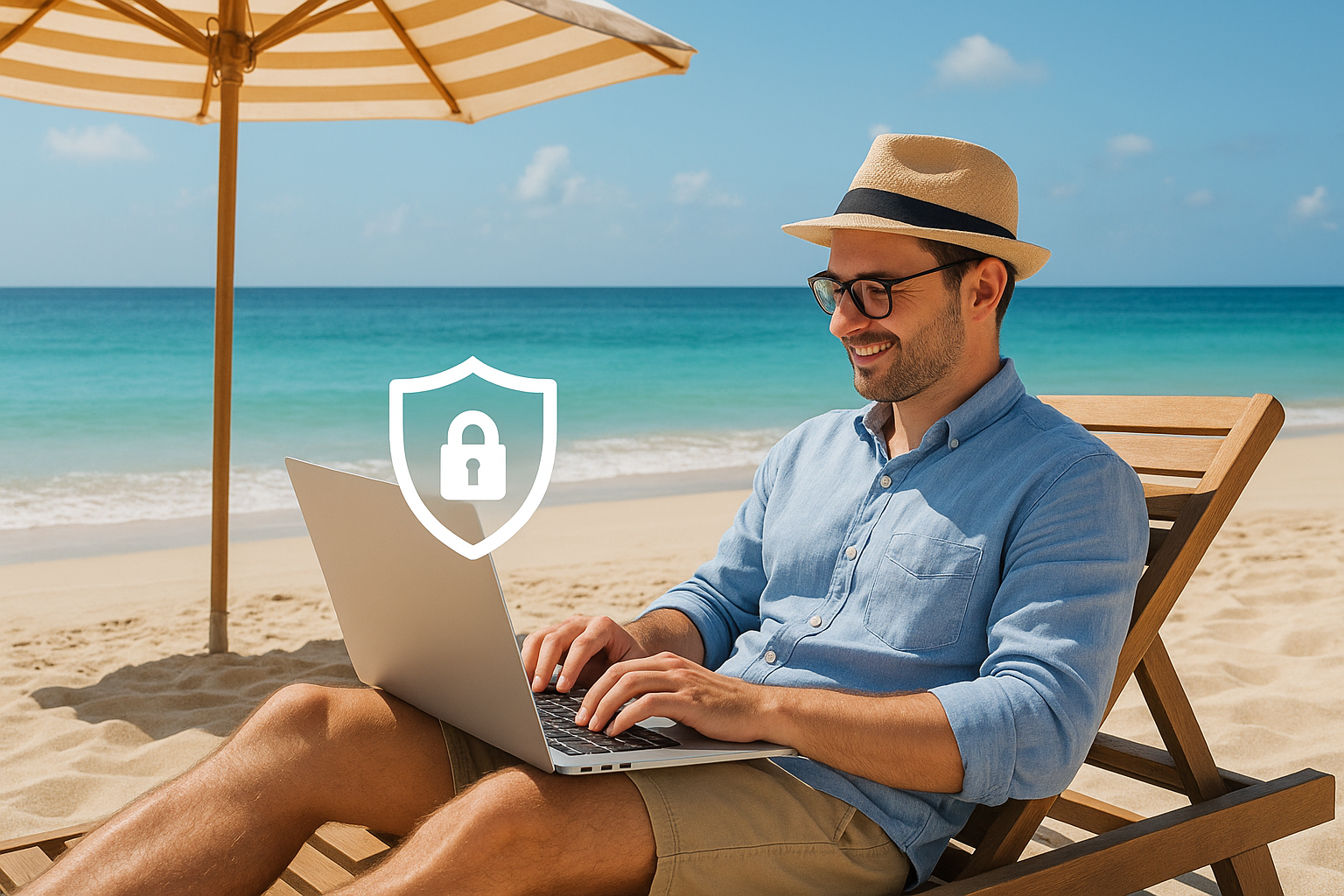
During the holidays, your website's security should not be neglected. Hacker attacks or technical issues can cause serious problems, especially when you are not available to address them immediately. In this article, we will explore how you can keep your website safe and operational while you enjoy your trip.
1. Update All Systems and Applications
Before you leave, make sure your website software, such as the CMS (e.g., WordPress), plugins, and themes, are up to date. Updates often include security patches that protect against new threats.
2. Create Full Backups
A reliable backup can save your website in case of an attack or technical problem. Schedule automatic backups and ensure they are stored securely off your server.
3. Use Strong Passwords and Access Permissions
Choose complex passwords and avoid sharing accounts. Limit user permissions so that only necessary individuals have access to critical parts of the website.
4. Enable Two-Factor Authentication (2FA)
Two-factor authentication adds an extra layer of security to your account by requiring a second code in addition to the password.
5. Monitor Your Website After Departure
Set up alerts for unusual activity and use uptime monitoring services to be promptly informed of any issues.
6. Contact Your Hosting Support
Before leaving, inform your hosting company about your absence and request updates or assistance in case of emergencies.
Conclusion
Proper preparation before the holidays can ensure your website remains secure and functional without causing you worry. By following the steps above, you can enjoy your vacation peacefully, knowing your online presence is in good hands.
