Website Builder inside your hosting

Sitejet in cPanel: two ways to start, one goal — get online properly

There is no single “one-size-fits-all” option here. You have the classic Sitejet Builder for clean drag-and-drop control at every step, and the AI Sitejet Builder if you want a faster first complete draft based on your industry and needs. In both cases, the target is the same: build a professional website that works properly on mobile and desktop, is easy to update, and comes with a clear recovery plan while you experiment. Both options are included free with Economy Hosting and Premium Hosting plans.

Templates
140+
Starting points for different industries.
Backups
14 + 4
Restore history with real depth.
SEO checks
Weekly
Basic hygiene, not empty promises.
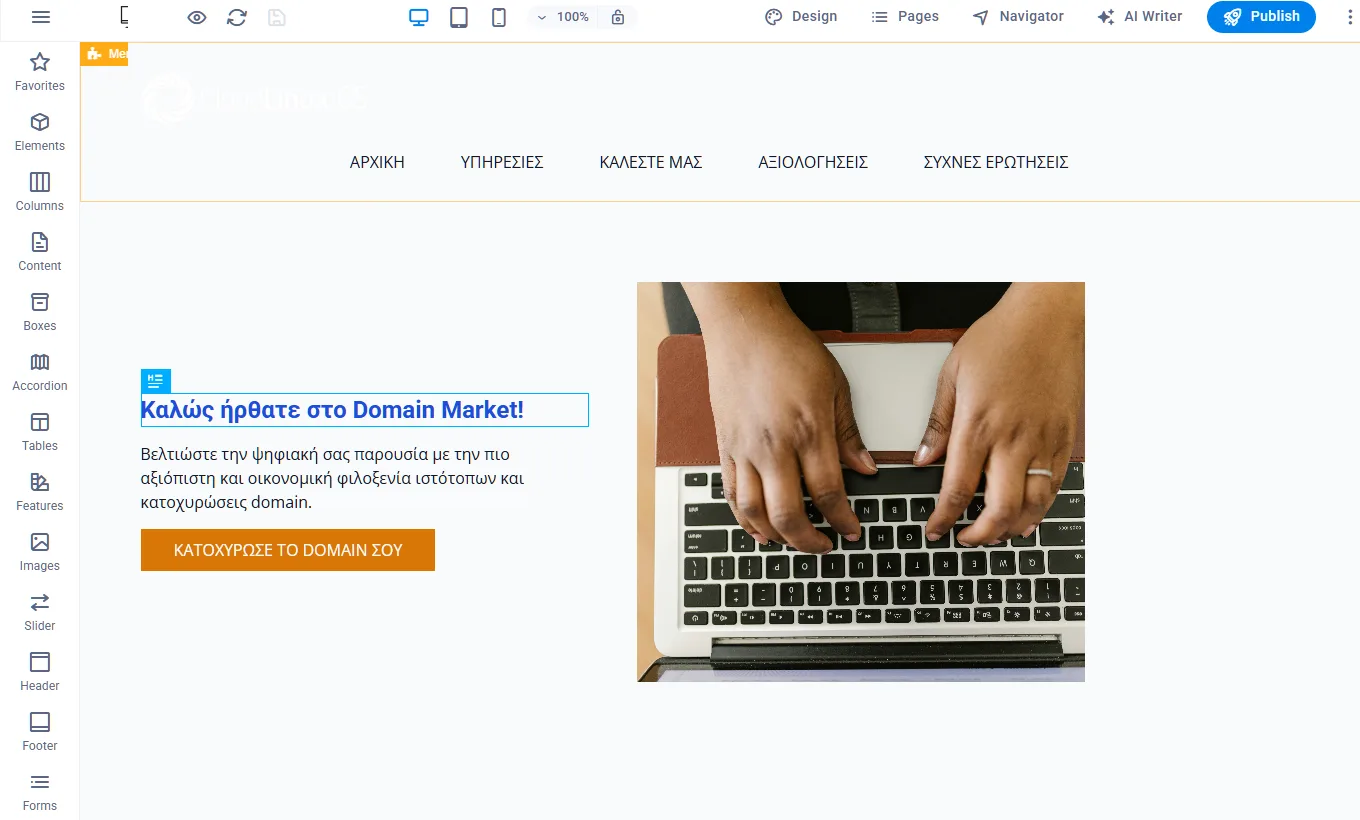
An editor that does not drag you into technical complexity
You work visually, but with structure. The result looks professional without chasing random “tricks”.
Classic flow
Choose template, customize, publish.
AI kickstart
Start from a draft, refine it yourself.
Included free with Economy & Premium and with support on what is needed to publish it on your domain, so time is not wasted on DNS details.

The real point: choose a starting method, not a “platform philosophy”

Both options are Sitejet inside cPanel. The difference is not the outcome you can reach, but how you begin. If you want to build your structure manually from the start on top of a template, the classic builder is the calmer and more controlled path. If you need a solid first draft quickly, with pages, sections, and starting content you can shape further, the AI builder cuts the time from zero to respectable dramatically.

Where it fits best
For company websites, services, landing pages, portfolios, and small projects, it is an excellent choice because the weight falls on presentation and consistency, not maintenance overhead.
If we are talking about large e-commerce or highly specific functionality, it is more honest to move to WordPress/WooCommerce or a custom solution. In that case, the “builder” is not the bottleneck — the project requirements are.

Sitejet Builder or AI Sitejet Builder?

No need to turn this into a religion. Pick what matches your pace: step-by-step control or a fast draft to start with momentum.

Classic drag-and-drop with full visibility into what you are doing
You choose a template, build your structure with sections, customize text and images, and publish. It is the option that makes sense when you want to decide the order, tone, and information yourself without starting from an automatic draft. The gain here is predictability: every change is intentional, and you see exactly what it affects.
Ideal if you already have material and want control
A practical note so you do not get lost in details
Publishing is simple. The only “technical” point is making sure the domain points to the hosting correctly. If you want it done properly from the start, we can check it with you or handle the setup for you.
AI kickstart: get a draft first, then make it your own
The AI Sitejet Builder is not a “magic button that finishes the whole website”. It is a starting tool. You provide basic information about your business and the tone you want, and you get a first logical structure with starter content. From there, you continue normally inside the editor: fix, cut, add, and bring the result closer to your own voice. The real gain is time and momentum, especially when you do not have ready content.
Ideal if you want to start immediately from “something”
To avoid any misunderstanding
AI helps you get off the blank page, but the final result is won through editing. If you want, we can also suggest a basic structure by industry so the first version comes out more solid from day one.

Start from a professional template, not from random experiments

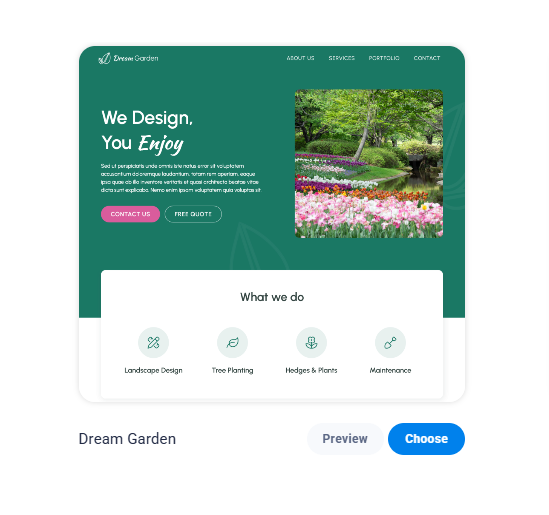
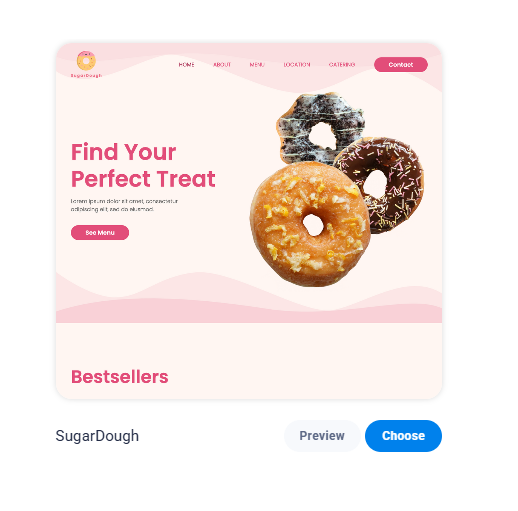
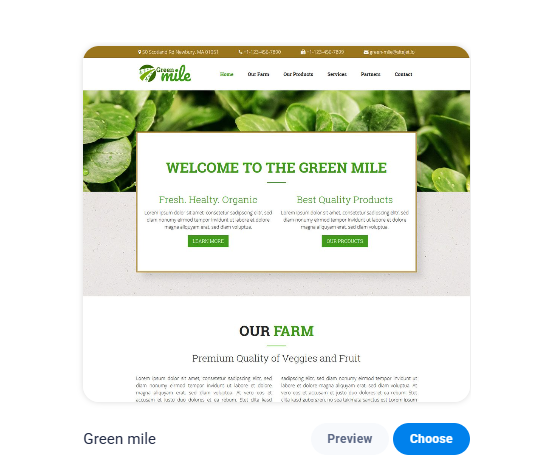
The templates are designed to give you proper structure from the beginning. Here we show a small sample so you can see the level and logic of the sections, not to overload you with dozens of screenshots.

Corporate presence
Corporate presence
Clean hierarchy for services, company details, and contact information.
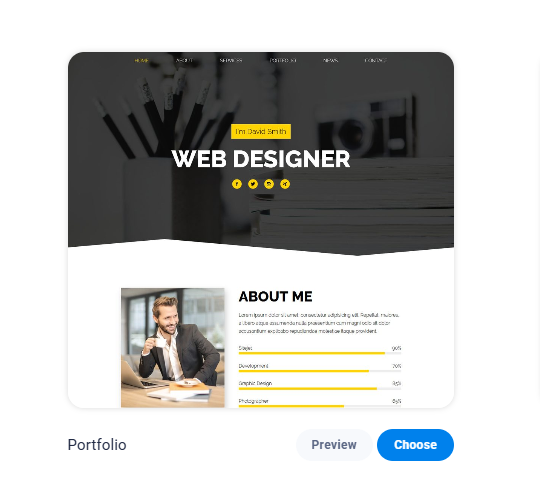
Portfolio
Portfolio
Minimal aesthetics with proper work presentation.

Tourism / Travel
Tourism / Travel
Sections for packages, visuals, and calls to action.
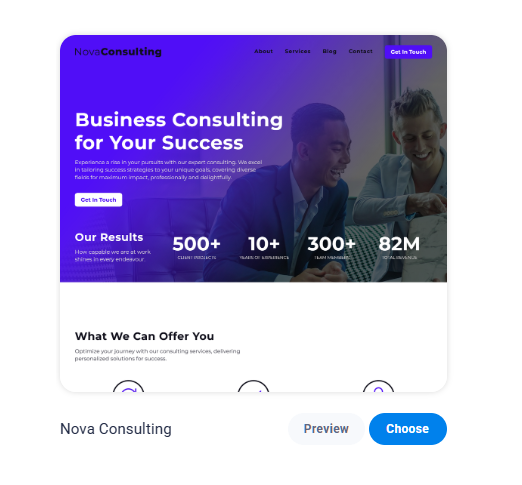
Consulting
Consulting
A structure that builds credibility and leads to contact.
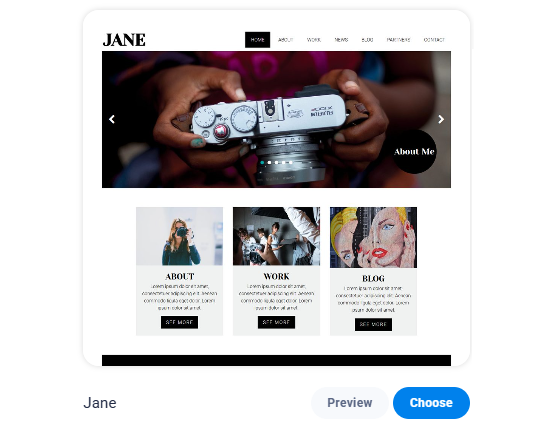
Photography
Photography
Large visuals and clean typography.
Local business
Local business
Practical blocks for hours, map, and services.
Corporate presence
Corporate presence
Clean hierarchy for services, company details, and contact information.
Portfolio
Portfolio
Minimal aesthetics with proper work presentation.
Tourism / Travel
Tourism / Travel
Sections for packages, visuals, and calls to action.
Consulting
Consulting
A structure that builds credibility and leads to contact.
Photography
Photography
Large visuals and clean typography.
Local business
Local business
Practical blocks for hours, map, and services.
Scrolling is automatic and pauses on hover. If that is annoying on mobile, it can easily be turned into a static grid or a manual carousel.

How it works, depending on the option you choose

To keep this practical, the flow changes slightly depending on the mode. In the classic builder you start from a template and build on it. In the AI builder you start from a draft and refine it until it feels right.

Template selection
Choose a template that fits your type of business
You pick a starting base with proper hierarchy and sections that already make sense for business presentation. The gain is that you start from structure, not vague ideas, so you reduce bad layout decisions that cost time later.
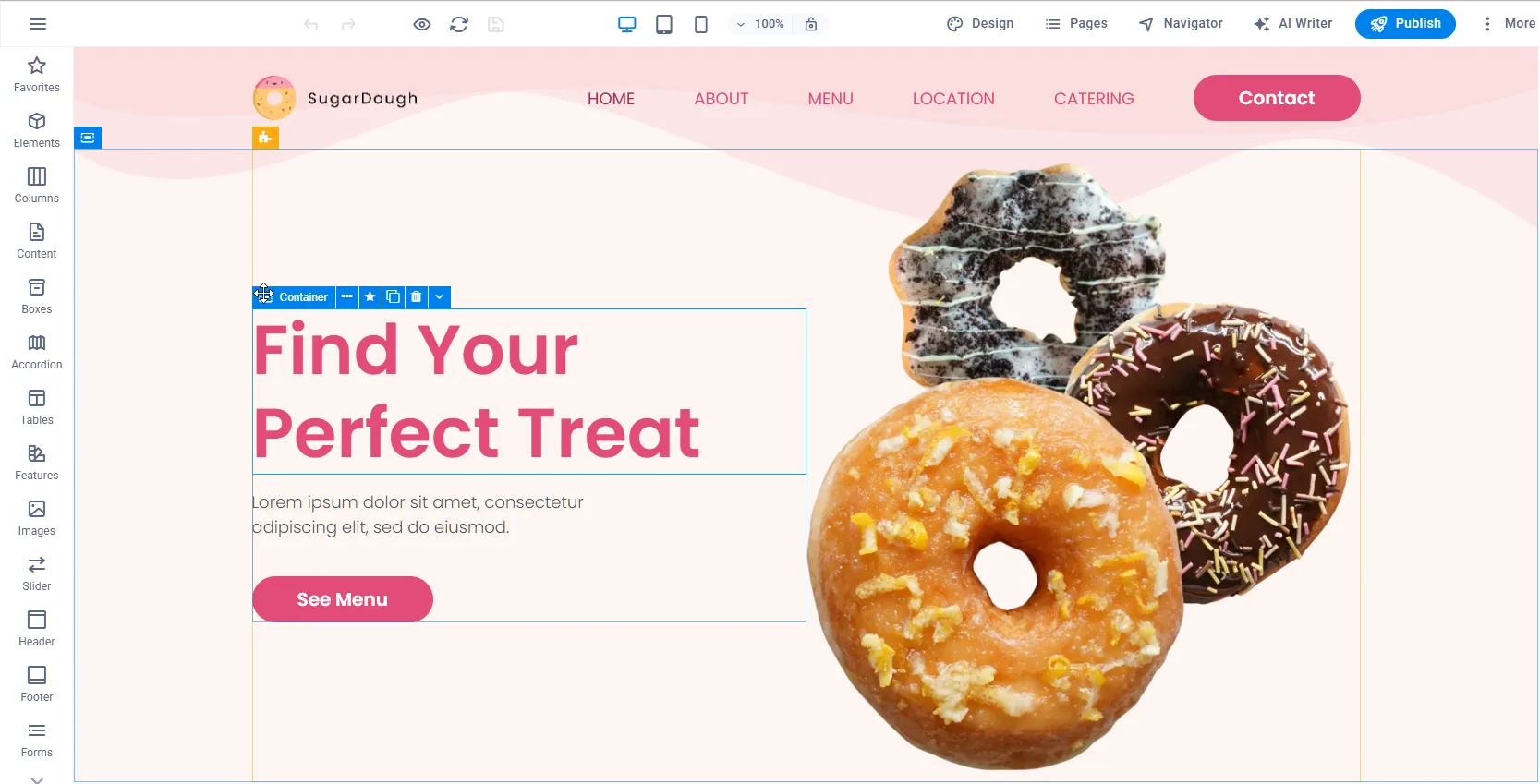
Drag-and-drop customization
Customize visually, with pace and control
You change text, images, and blocks with drag-and-drop and live preview. You work as if you are arranging a page, not fighting settings. The result comes out clean and consistent, especially if you keep a steady visual tone in colors and typography.
Publish and connect domain
Publish and connect your domain without drama
You publish and the site is ready. The only point that matters is that the domain points correctly to the hosting. If you do not want to get into DNS details, we can check and configure it so time is not lost in technical noise.
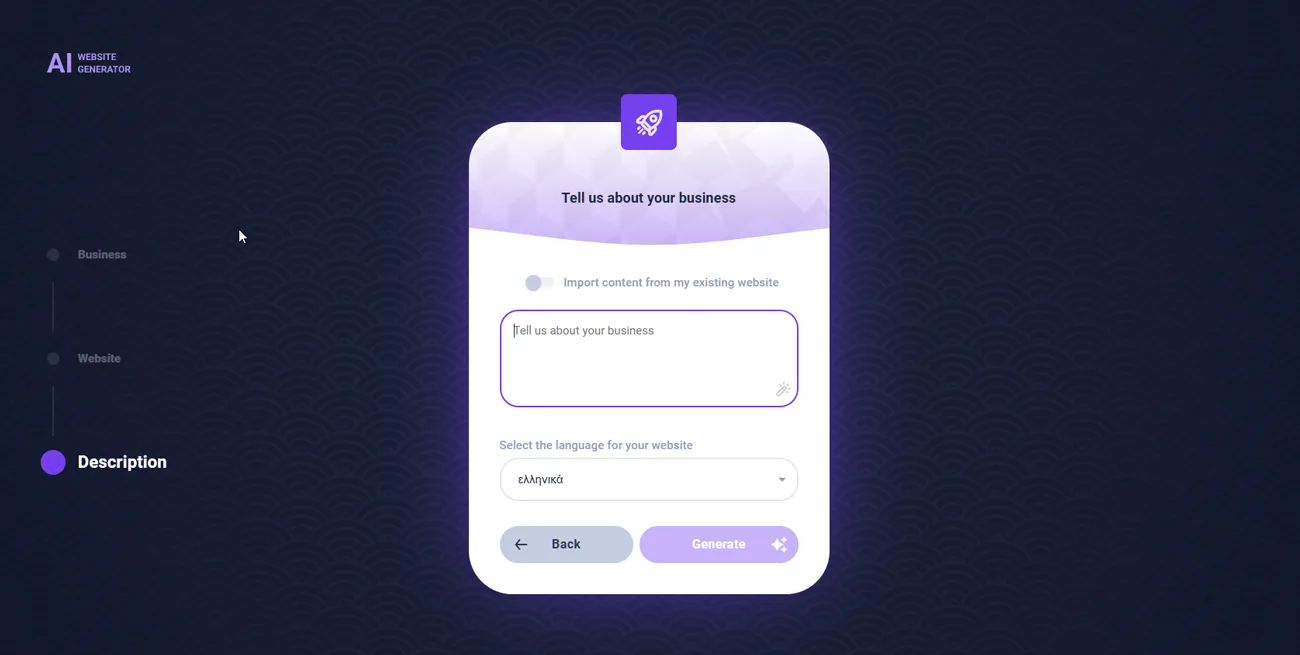
AI start: basic details
Give a few good inputs and the foundation starts forming
You choose a category or industry, tone, and basic business details so the AI can generate a first draft with a logical structure. If the input is weak, the draft will be generic. If the input is specific, the result becomes much more useful as a starting point.
AI draft and editing
Get a draft and refine it, do not accept it blindly
AI gets you off the blank page, but the final result comes from editing: you fix language, add real details, tighten the message, and keep consistency. That is where the credibility of the website is decided, not in the first draft.
Publish AI site
Publish faster and keep improving
You go live earlier, and that is the real advantage: you can be online and improve gradually. With project history and server backups, you have a safety net so changes do not turn into unnecessary risk.
If you want, we can also add a small text wizard in the AI section, for example 3 to 4 suggested prompts per industry, so the first draft comes out stronger from the start.

A safety net that actually matters when you make changes

The easier editing becomes, the more often you will make changes. That is exactly where you need protection on two levels: the ability to roll back project changes, and deeper hosting-level recovery when the problem is more serious. That is why the question is not only “does it have a builder?”, but also “do you have a real way back?” without losing days.

Project history
For testing layout, sections, and content, history saves you from turning a small change into surgery.
Server backups (14 + 4)
14 daily backups and 4 biweekly snapshots for restore at the hosting account level. This is the deeper history that covers the difficult cases.
If it matters to you, we can also add a small “what each one covers” block so it is crystal clear what to expect in a real incident.

FAQ, short and clear

No. Both Sitejet Builder and AI Sitejet Builder are available directly inside your hosting cPanel. That reduces setup time, mistakes, and unnecessary searching across third-party platforms.

If you already have material and want full control from the start, the classic Sitejet Builder is the cleaner option. If you are starting without ready texts and want to move from zero to draft quickly, the AI Sitejet Builder gets you there faster and then you refine from there.

The domain simply needs to point to the hosting through DNS. If you do not want to deal with technical details, we can check and configure it for you.

You have project history for fast rollback, plus server backups (14 daily + 4 biweekly) for deeper recovery at the hosting level.
Ready for production
Start fast, keep quality, and avoid carrying technical weight
If the goal is to get online properly and keep a practical way to maintain the site without getting tangled every time, Sitejet inside hosting is a solid route. If you want to get away from zero immediately, the AI builder gives the initial push, but you still refine the final result yourself.
If you get stuck on DNS or publishing, do not turn it into a battle. We show you where it is inside cPanel and what is needed for the website to appear correctly on the domain.