WordPress 7.0: New Features, AI Integration, and What It Means for Your Website
Introduction to WordPress 7.0
The new WordPress 7.0 version, officially expected on April 9, 2026, introduces significant changes that go beyond simple upgrades. With the introduction of a more modern management environment and the integration of advanced artificial intelligence tools, WordPress transforms into a comprehensive content production platform rather than just a publishing CMS.
Improvements in the Management Environment
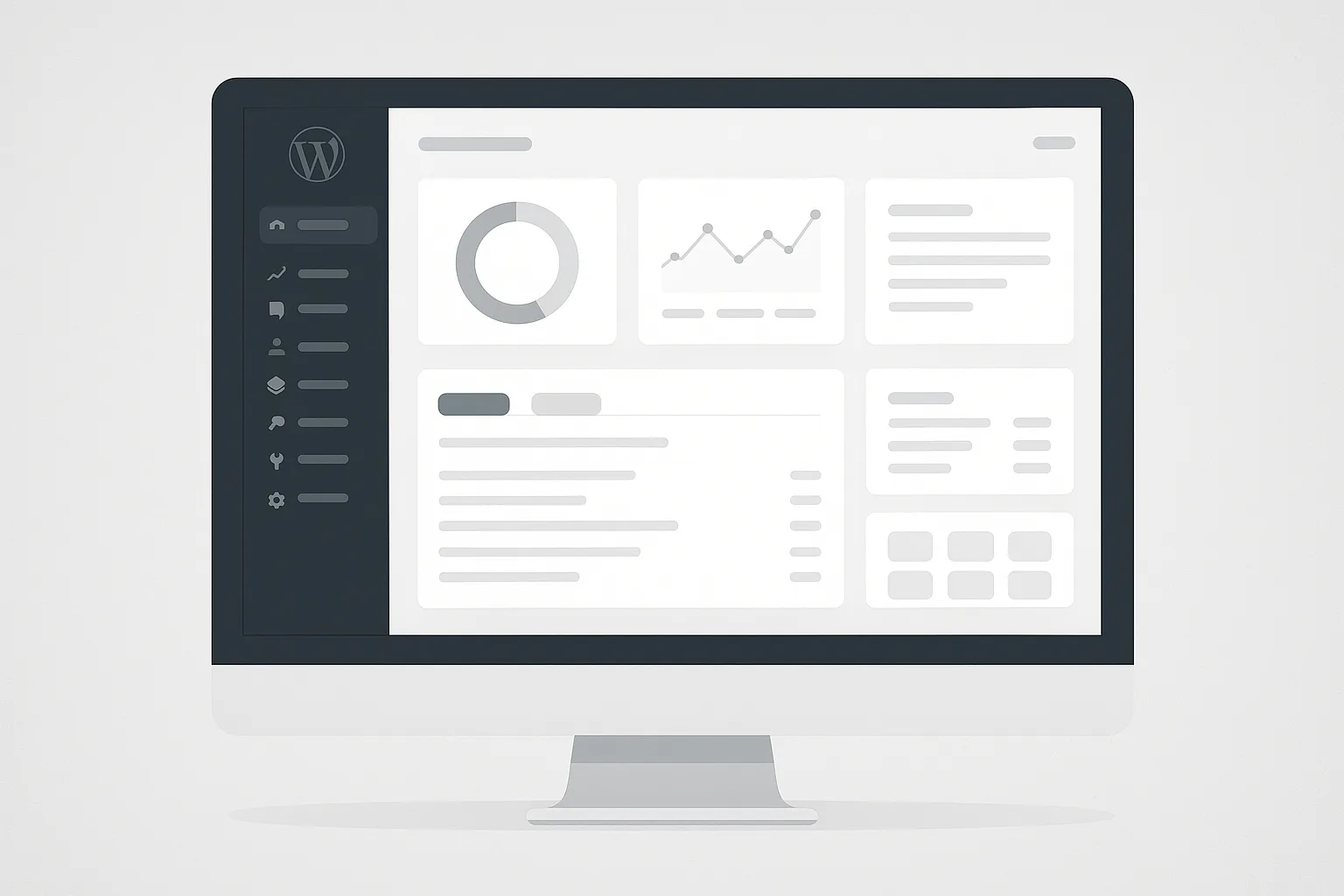
The dashboard has been redesigned with an emphasis on a clean structure and better alignment with the block editor. This improvement reduces friction in daily use, especially for professionals who spend many hours within the management environment.
Additionally, version management is enhanced with visual revisions, allowing visual tracking of changes and easy restoration of previous versions, reducing errors and correction time.
Real-Time Collaboration
One of the most important additions is the ability for multiple users to collaborate on the same content simultaneously. This changes team workflows, as external tools are no longer required for collaboration within the editor.
Artificial Intelligence (AI) Integration
WordPress 7.0 introduces the AI Client API, which consolidates credentials and connections to AI services into a single system. This allows plugins and themes to easily and systematically leverage AI.
The new AI connectors management screen enables centralized control of all API keys, solving the problem of fragmented AI integration management.
Design and Control Without Dependencies
Font management is extended to classic themes, removing the need for additional plugins. Moreover, responsive editing is integrated into the editor, allowing control over content appearance on different devices.
New blocks such as Breadcrumbs and Icons add essential features that previously required plugins, reducing dependency on third parties.
Speed and Improved Workflow
The Command Palette, with a shortcut like Ctrl/Cmd + K, enhances productivity by reducing clicks and bringing key functions closer to the user.
Navigation overlays for mobile offer greater design flexibility without the need for custom code, improving the user experience on mobile devices.
Conclusions
WordPress 7.0 represents a significant transition to a more complete and intelligent CMS. It focuses on productivity, collaboration, and AI integration, reducing reliance on plugins and promoting tool unification.
For those managing professional sites, especially in hosted environments, this upgrade provides a foundation for more efficient workflows and better scalability.