WordPress Has Not Lost Its Charm. We Let Our Sites Age.
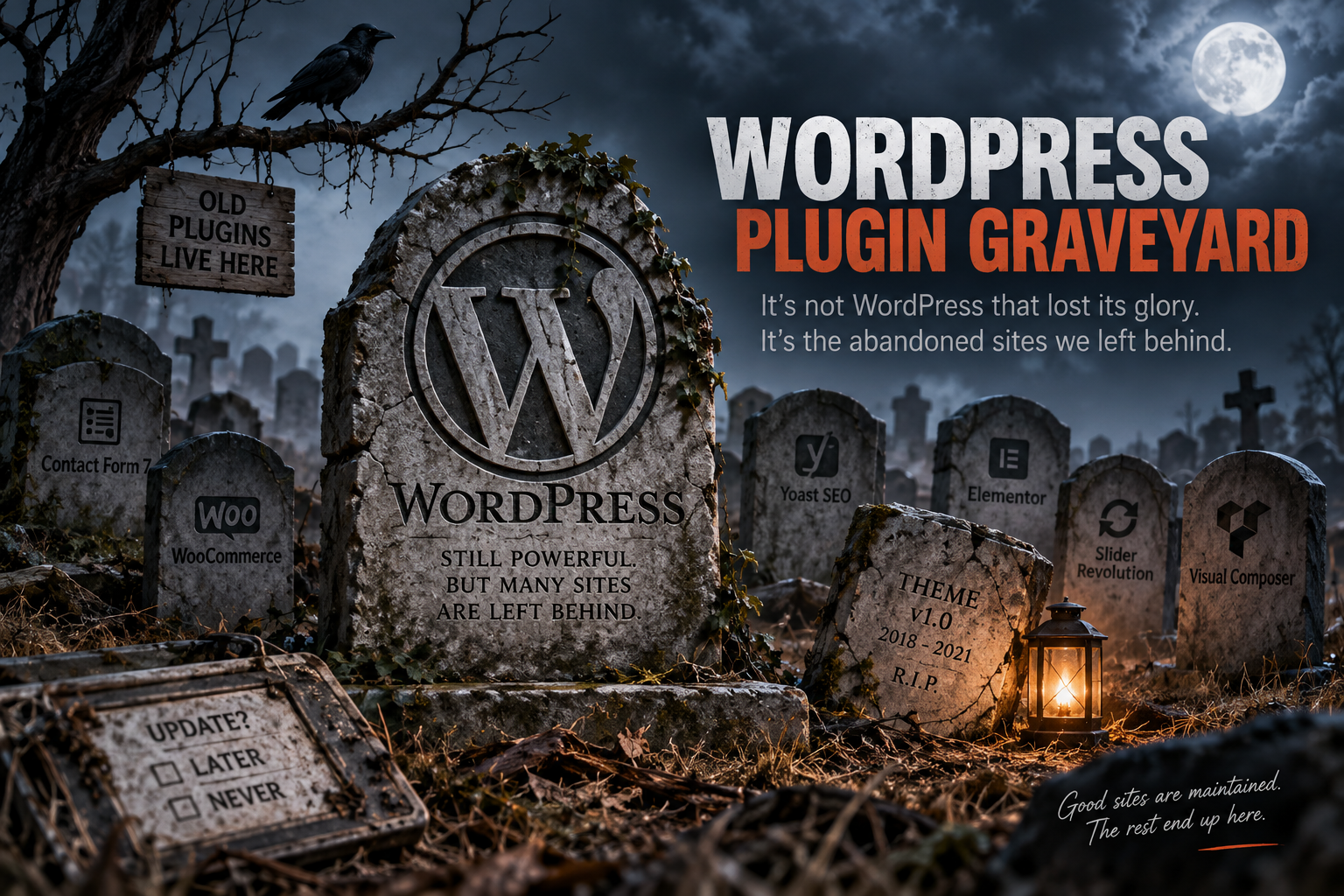
WordPress Has Not Lost Its Charm. We Let Our Sites Age.
From time to time, we hear that WordPress has “aged,” lost its appeal, or will eventually be replaced by newer platforms.
However, the data tells a different story.
As of September 2026, WordPress is still used on approximately 40% of all websites and remains by far the most popular CMS in the world.
At the same time, WordPress continues to evolve, releasing new versions and fixing security and compatibility issues.
So WordPress has not stopped evolving.
The problem often lies elsewhere.
In the WordPress sites themselves and how we manage them.
We Built a Site and Thought We Were Done
This is perhaps the biggest misconception about websites.
A business builds its site.
It is delivered.
It operates.
And then years may pass without meaningful technical care.
But a website is not a printed brochure placed in a drawer.
It is software.
And software has dependencies.
It has WordPress Core.
It has PHP.
It has a database.
It has a theme.
It has plugins.
It has JavaScript libraries.
It has APIs.
It has integrations with third-party services.
Each of these continues to evolve, even if the website owner no longer manages it.
WordPress Moves Forward. But Does Your Site?
Here lies an interesting paradox.
WordPress keeps releasing new versions.
PHP evolves.
Browsers change.
Security standards change.
Hosting infrastructures become faster.
Plugins add new features.
But a site built six or eight years ago may remain essentially frozen in time.
And then what we might call:
the WordPress graveyard
begins to form.
Not because WordPress died.
But because old pieces of software start to accumulate around it.
The Plugin Graveyard Is Not Just a Figure of Speech
You open the admin panel of an old WordPress site.
You see 25 plugins.
Maybe 35.
Maybe even more.
Some are used.
Some are not.
Some have been deactivated for years.
Some were installed by a developer no longer working with the business.
And there are plugins no one remembers anymore:
“Why do we have this?”
This problem is not theoretical.
According to the State of WordPress Security 2025 report by Patchstack, in 2024 there were 7,966 new vulnerabilities recorded in the WordPress ecosystem, mostly in third-party plugins.
The same report states that 1,614 plugins and themes were removed from the WordPress repository in 2024 due to unresolved security issues.
Of course, this does not mean every old plugin is dangerous.
Nor that every WordPress site with many plugins is insecure.
But it does show something important:
A plugin is not something we install today and assume will exist forever.
What Does “Abandoned Plugin” Mean?
A developer may stop developing a plugin.
A company may close.
A free project may be abandoned.
A plugin may be replaced by another solution.
And the website still has it installed.
WordPress.org itself displays special warnings when a plugin has not been tested with the latest WordPress versions or appears no longer maintained.
This alone shows that maintaining a WordPress site cannot be limited to:
“If it opens, don’t touch it.”
The Most Dangerous Phrase: “Don’t Update”
How many times have we heard:
“Don’t update because I’m afraid it will break the site.”
This phrase should concern us.
Because when we fear updating our own site, the real problem likely started much earlier.
Maybe we have a theme that hasn’t been updated in years.
Maybe a plugin is no longer supported.
Maybe there are custom modifications that haven’t been documented.
Maybe the site only works because it still runs on an older PHP version.
And then a vicious cycle forms:
We don’t update because we fear something will break.
The longer we don’t update, the wider the gap grows.
And the wider the gap, the harder the next update becomes.
Then Come the Themes
Let’s take a typical example.
A website was built in 2018.
A commercial theme was installed.
Along with it, a page builder.
Then a plugin for sliders was added.
Another for forms.
Another for SEO.
Another for cookies.
Another for optimization.
Another for analytics.
Another for SMTP.
Then someone added custom CSS.
Someone else edited the functions.php file.
Another developer installed three more plugins.
The original developer no longer works with the business.
And now it’s 2026.
The site still works.
But no one knows for sure how.
This is the real WordPress graveyard.
Not a site that has “died.”
A site that lives, but no one dares to touch.
Having 40 Plugins Is Not a Badge of Honor
The plugin ecosystem is one of WordPress’s greatest success factors.
Without it, WordPress probably wouldn’t hold its current position.
However, a bad habit has gradually developed:
For every small problem, we install another plugin.
Want a redirect?
Plugin.
SMTP?
Plugin.
Analytics?
Plugin.
A small snippet?
Plugin.
Optimization?
Three plugins.
Security?
Two more.
And after years, no one remembers what each does.
The goal is not to have as few plugins as possible with some arbitrary limit.
The goal is much simpler:
Every plugin on a production website must be there for a specific reason.
And someone must know what that reason is.
An Abandoned Plugin Doesn’t Disappear on Its Own
This is a very important point.
When a developer abandons a plugin, it doesn’t magically disappear from the websites where it’s installed.
It can remain there for years.
The same applies to themes.
The same to libraries.
The same to custom code.
And this is how a WordPress installation can slowly become an archaeological layer of different eras of the web.
A bit of code from 2017.
A bit from 2019.
A plugin from 2021.
A customization from a developer no one remembers.
And on top, the latest WordPress version trying to hold everything together.
The Advertising Paradox
There is something even more absurd.
A business may spend hundreds or thousands of euros every month on:
- Google Ads
- Meta Ads
- SEO
- Social Media
- Email Marketing
All this effort has one goal:
to drive users to the website.
And when the user finally arrives, they may find:
- an eight-year-old site,
- slow mobile experience,
- broken pages,
- outdated design patterns,
- forms no one has checked if they work,
- plugins that haven’t been maintained for years.
In other words, we keep investing to bring customers to our digital storefront but forget to look after the storefront itself.
“It Works” Does Not Mean “It’s Good”
This may be one of the biggest problems in website management.
A site may open normally yet be in poor condition.
It may have abandoned plugins.
It may have admin accounts of former collaborators.
It may lack tested backups.
It may use obsolete code.
It may have hundreds of old database tables.
It may load scripts no longer used.
It may have cron jobs no one knows the purpose of.
The visitor sees the homepage and believes everything works.
The reality behind it may be completely different.
It’s Not Always the Owner’s Fault
It would be unfair to put all the responsibility on website owners.
For many years, the industry sold the website as a finished product.
“We’ll build you a site.”
Delivery.
End.
We didn’t explain enough that building a website is only the beginning of its life.
A professional website requires ongoing care.
- Updates
- Backups
- Monitoring
- Security checks
- Plugin auditing
- Performance optimization
- Database maintenance
- PHP compatibility
- Integration checks
And eventually even redesign or replacement of old components.
A small business owner doesn’t need to learn how to do all this.
But they need to know that someone must do it.
And Here the Role of Hosting Changes
Fifteen years ago, hosting could mean:
- a few GB of space,
- a MySQL database,
- an email account,
- a control panel.
Today, that’s not enough for a serious WordPress website.
Modern PHP versions are needed.
Caching.
Fast storage.
Backups.
SSL.
Security mechanisms.
Monitoring.
And above all, a maintenance process that allows the website to evolve along with the rest of the ecosystem.
We Don’t Need to Throw Away a Site Every Three Years
The solution is certainly not to destroy and rebuild a site from scratch every few years.
A well-designed WordPress website can live for many years.
But there is a huge difference between:
“The site is eight years old.”
and
“The site has stayed the same as it was eight years ago.”
The first can be perfectly normal.
The second is a problem.
WordPress Is Not the Graveyard
Here we need to make an important distinction.
The thousands of vulnerabilities recorded each year in the WordPress ecosystem do not prove that WordPress as a platform is inherently insecure.
On the contrary, they show how large the third-party ecosystem of plugins and themes around WordPress Core is.
The WordPress Core itself continues to be maintained and receives security and maintenance updates.
Therefore:
WordPress is not the graveyard.
The graveyard is created when we stop maintaining what we have built on it.
Ultimately, Do We Really Love Our Site?
Perhaps we are asking the wrong question when we wonder:
“Does the world still love WordPress?”
The fact that it is still used on about 4 in 10 websites shows it remains one of the most important platforms on the web.
The more interesting question is:
Do we really love our own websites?
Do we look at them after the day they were delivered?
Do we evolve them?
Do we check what plugins are installed?
Do we remove what we don’t need?
Do we check if the theme is still supported?
Do we test backups?
Do we know who has administrator access?
Do we look at speed?
Do we check the site from a modern mobile device?
Or do we just pay domain and hosting every year and assume our job is done?
WordPress Has Not Lost Its Charm
Perhaps WordPress never really lost its charm.
We simply stopped, in many cases, caring for what we created with it.
WordPress in 2026 continues to evolve.
But the site from 2018 will not evolve by itself.
And if we leave it without care for many years, eventually it will turn into a small digital graveyard of:
- old themes,
- forgotten plugins,
- abandoned code,
- unknown customizations,
- and an Update button no one dares to press anymore.
And perhaps this is the essence:
A website doesn’t age because years pass.
It ages when we stop taking care of it.
Sources: W3Techs – WordPress usage statistics, Patchstack – State of WordPress Security 2025, WordPress.org – Plugin alerts and warnings.
